
Overview
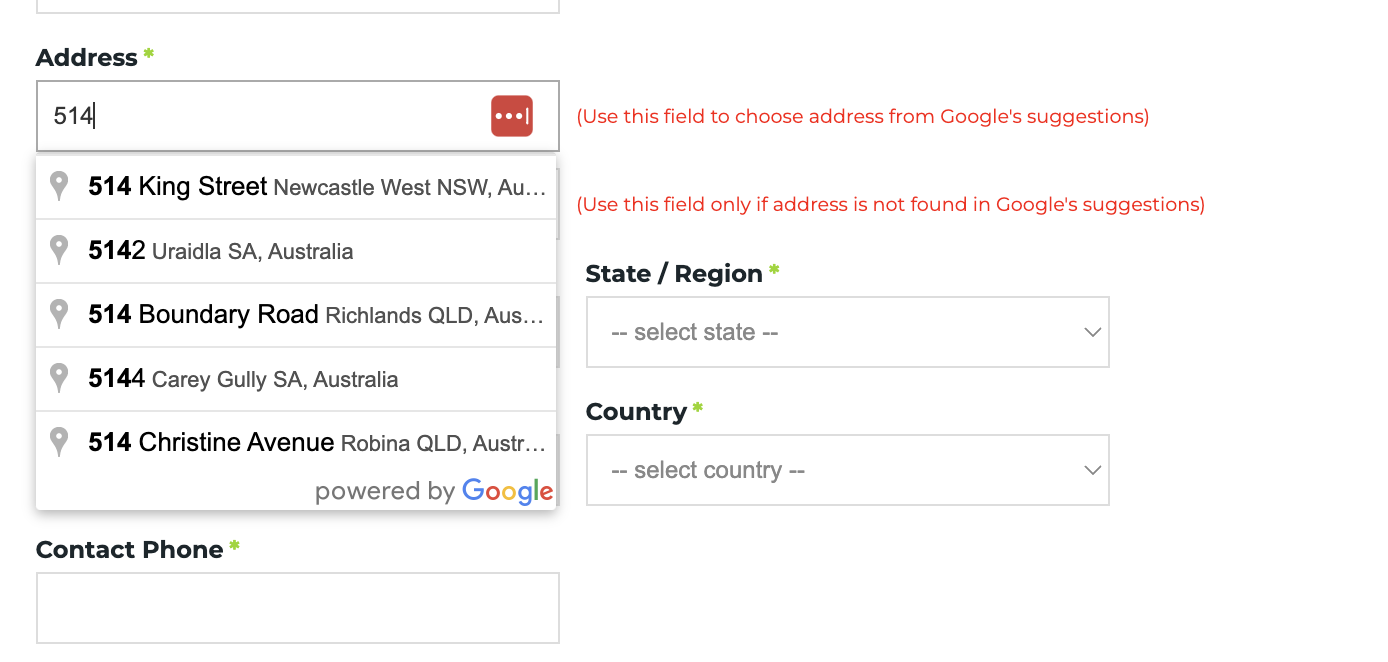
If customers sometimes enter incorrect address details during checkout, the free Google Address Auto-Complete add-on can help simplify the process.
This feature suggests accurate addresses directly from Google as customers begin typing. It helps users quickly select the correct address, reduces typing errors, and improves the accuracy of the information submitted during checkout.
How to enable Google Address AutoComplete feature
To enable this feature, simply follow these steps:
- Configure your API key. Follow our guide here →
- Once the API key is configured, contact our support team at support@commercebuild.com to ensure the feature is enabled on our end.
The feature is optional for customers, but it can significantly reduce address entry mistakes and help ensure more reliable order details.