
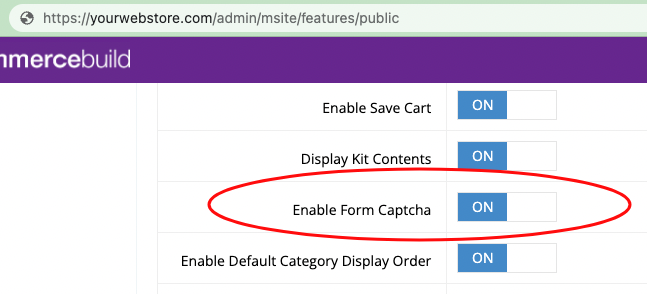
In order to enable reCAPTCHA on Custom Forms, go to your web store Dashboard, click System > Features > B2c (Public), and toggle Enable Form Captcha to ON.
To verify that the reCAPTCHA is working, go to the page with the custom form as a Guest user and verify its presence:
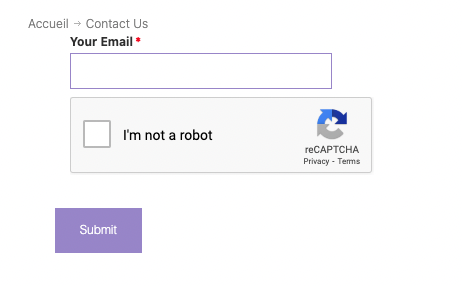
Note that logged in users will not see the reCAPTCHA form. The reCAPTCHA will only be displayed to guest users.