Release Overview
The commercebuild platform will be upgraded to 4.135 in our Australia region on March 24 at 20:00 UTC, March 25 at 06:00 Melbourne time.
4.135 will be released to our North America and Europe regions March 30 at 19:00 Eastern time, March 31 at 00:00 UTC.
Issues resolved
This is a list of issues that are to be resolved:
COMMODIM/Barcode Display on Order Lines
Export Product Filters only exports categorized products
Implement inactive flag for ship-to addresses in the address book
B2B catalog prices show stale data after BC price update; checkout shows correct prices
Shift: Zeroed-out auth response incorrectly saved as payment reference, causing capture failure
PCI Compliance SSL Policy
V2 Checkout Error: 5001-unmapped-error-code
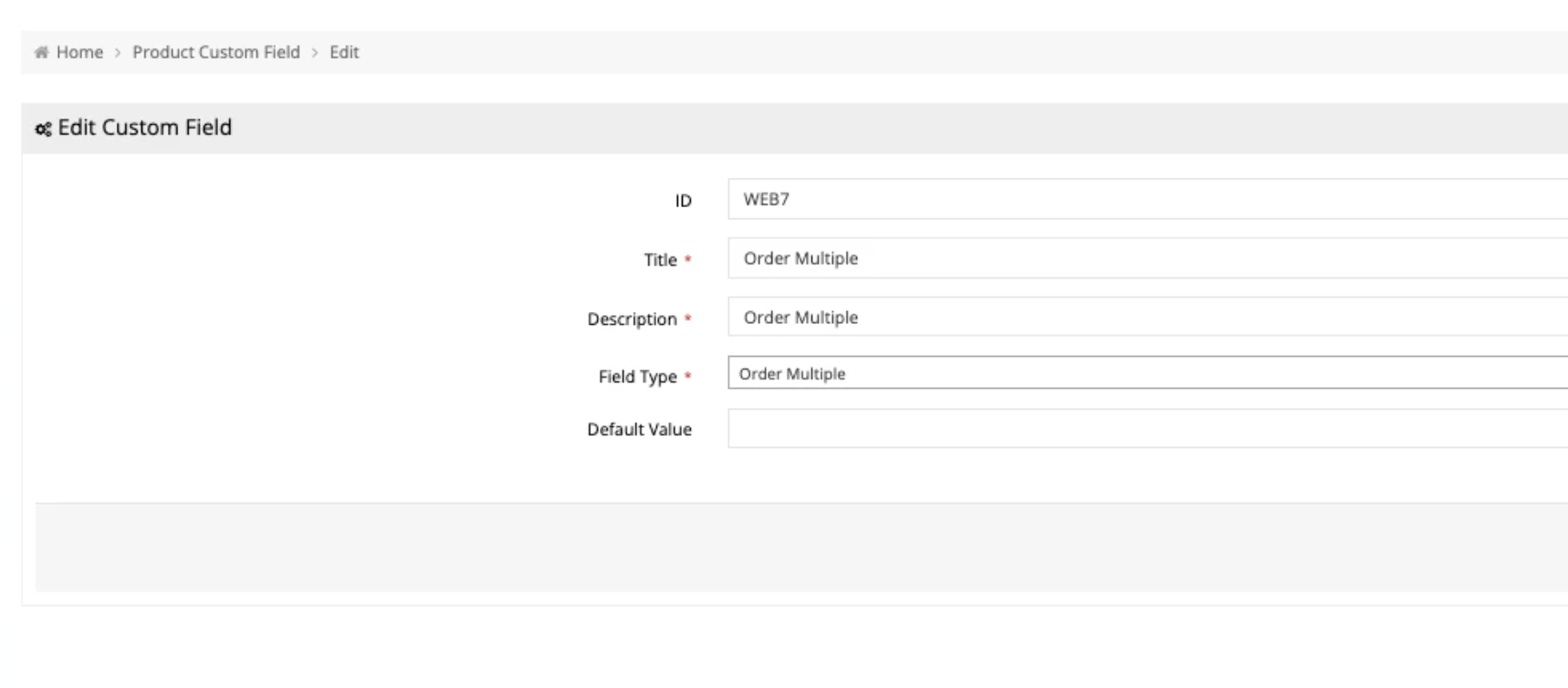
Product level custom field to handle order multiples
New Features
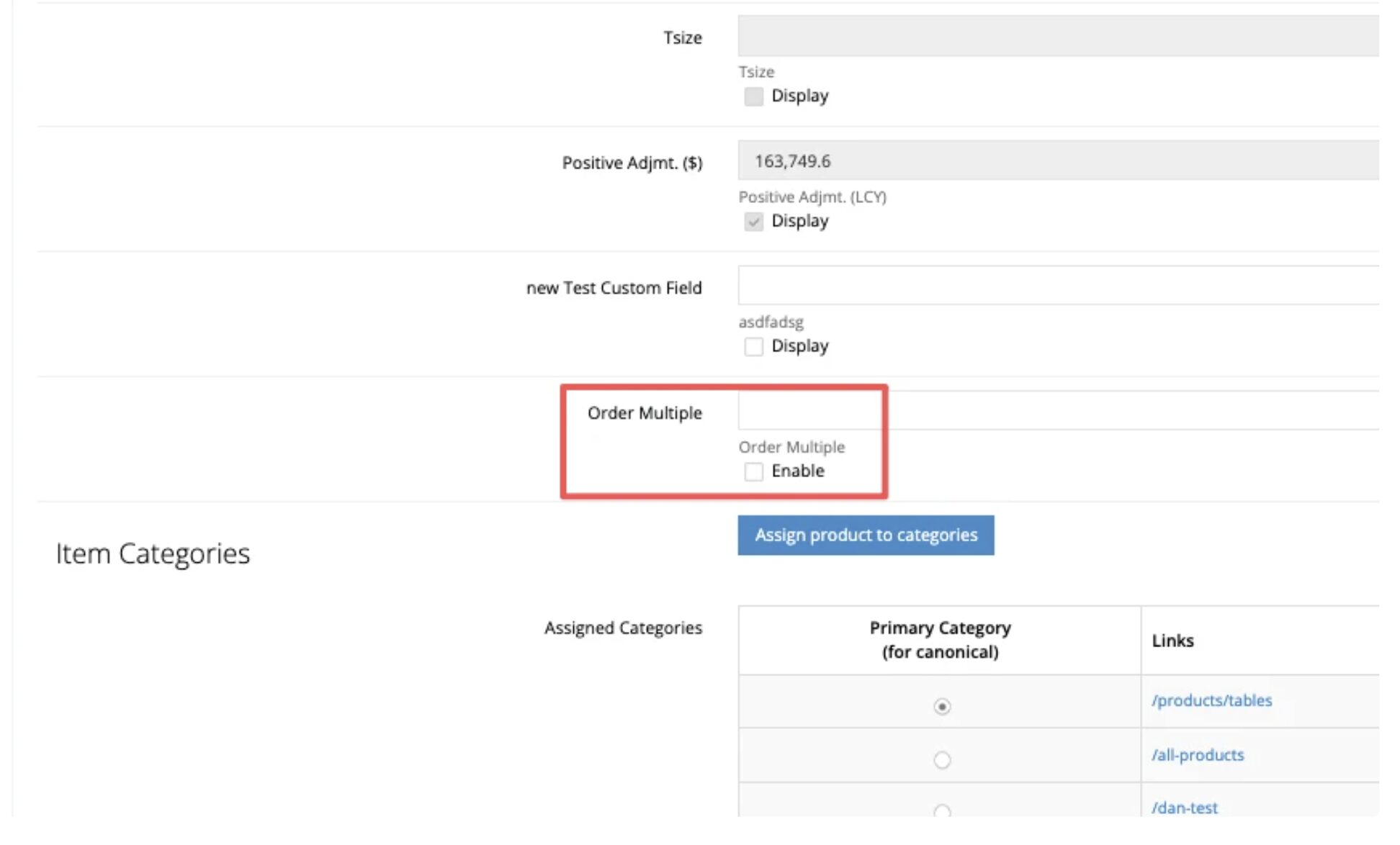
Product level custom field to handle order multiples
We’ve introduced a new built-in Order Multiple field at the product level to ensure items are purchased in required quantity increments (e.g., cases or box quantities). When configured, this field automatically enforces that all quantities entered across the storefront—product pages, cart, and quick order—adhere to the specified multiple. If a user enters an invalid quantity, the system will automatically adjust it to the next valid multiple (e.g., entering 5 for a multiple of 4 will update to 8), with clear visual feedback.
This enhancement replaces the need for custom JavaScript workarounds previously used by many sites, improving performance, consistency, and user experience. The Order Multiple field is fully integrated into the product data model and supports synchronization from ERP systems via SYNC2 or API, while remaining flexible—if the field is not set, standard quantity behavior applies.