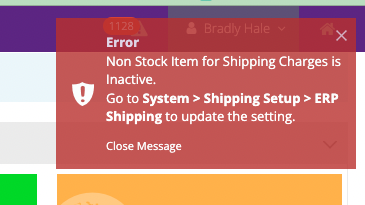
To resolve this error, from your site Admin dashboard
- Navigate to “System → Shipping Setup → ERP Shipping” /admin/mscharges/charges
- Please ensure that a selection is made for an active, non-stock item.
- Click on Apply to save your changes
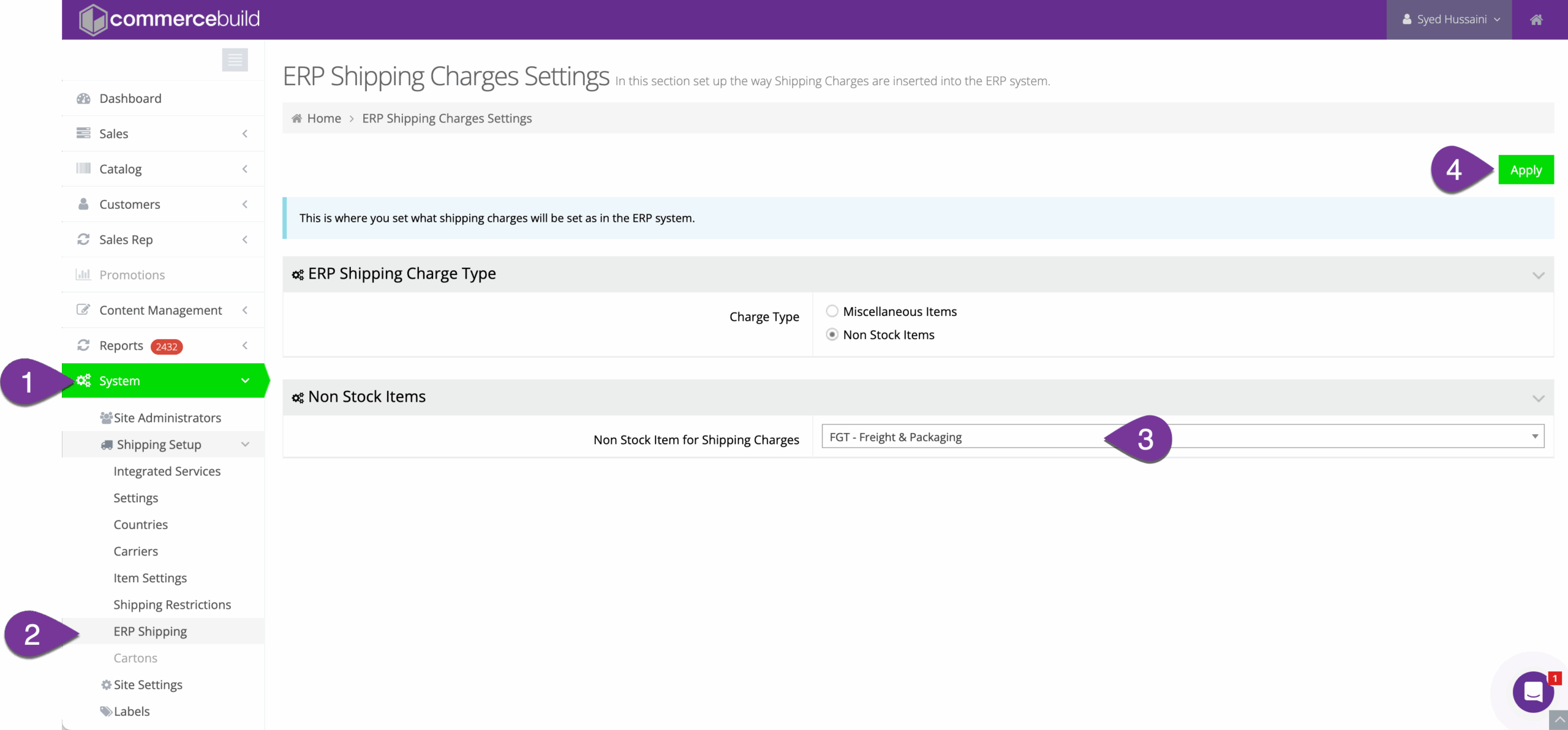

To resolve this error, from your site Admin dashboard
Was this article helpful?
Thanks for the feedback.
Email support@commercebuild.com or open a ticket and we'll get back to you.