
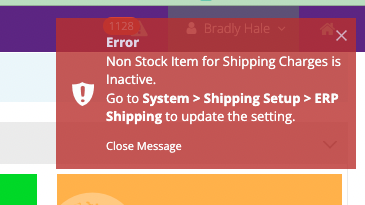
To resolve this error, from your site Admin dashboard
- Navigate to “System → Shipping Setup → ERP Shipping” /admin/mscharges/charges
- Please ensure that a selection is made for an active, non-stock item.
- Click on Apply to save your changes
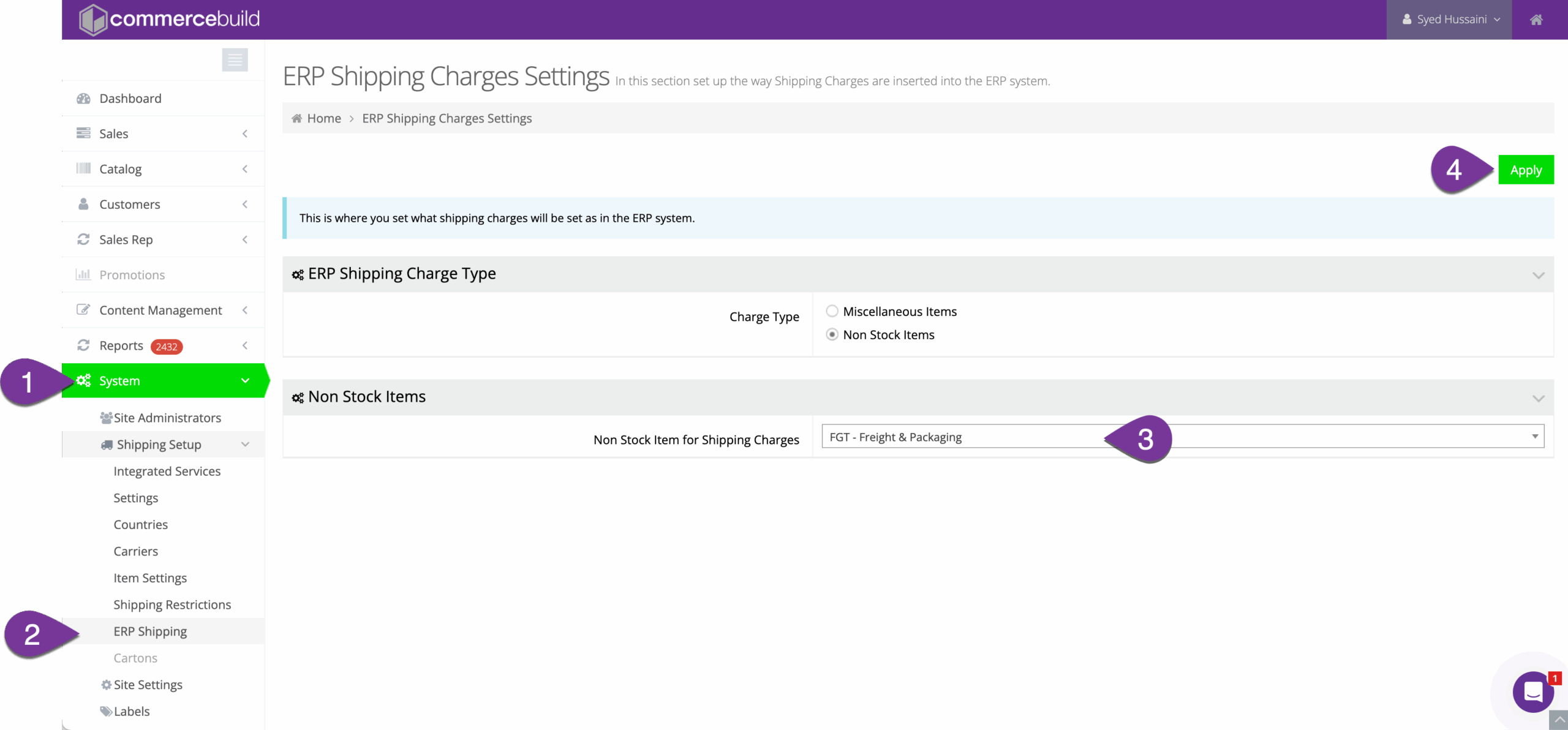
To resolve this error, from your site Admin dashboard